
AI Christmas Photo Generator
Pick a scene, add one photo. Everyone keeps their own face.
3 free credits when you sign up. Your photo is used once and not kept.
The example photos are AI-generated people, not real ones.
See the prompt
This is what the image model is asked to do with your photo. Edit it if you like; your edit stays until you rebuild it from the form.
Same faces, new Christmas
Each picture started from one AI-generated photo. Nothing was retouched.
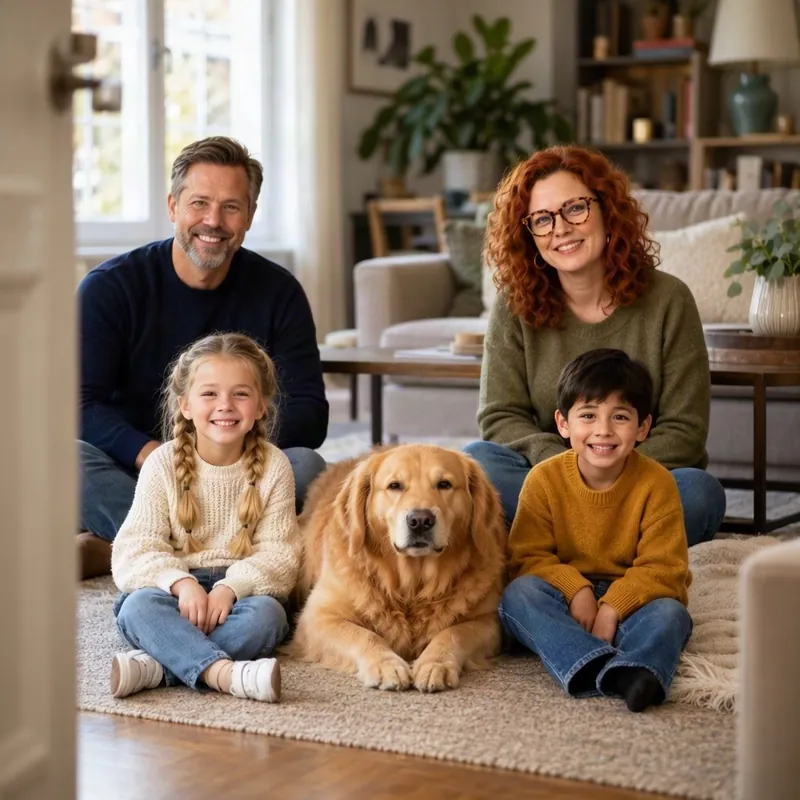
Original 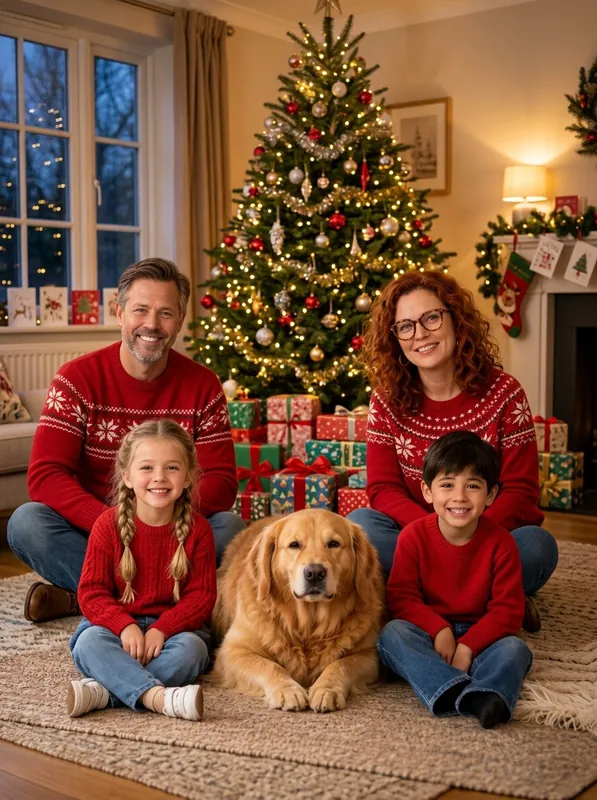
By the tree
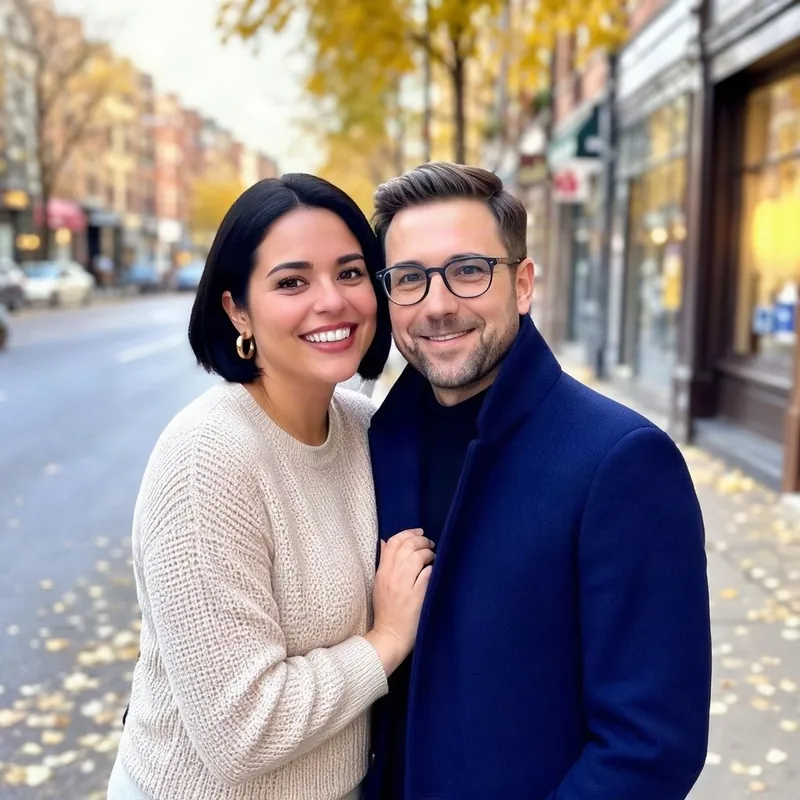
Original 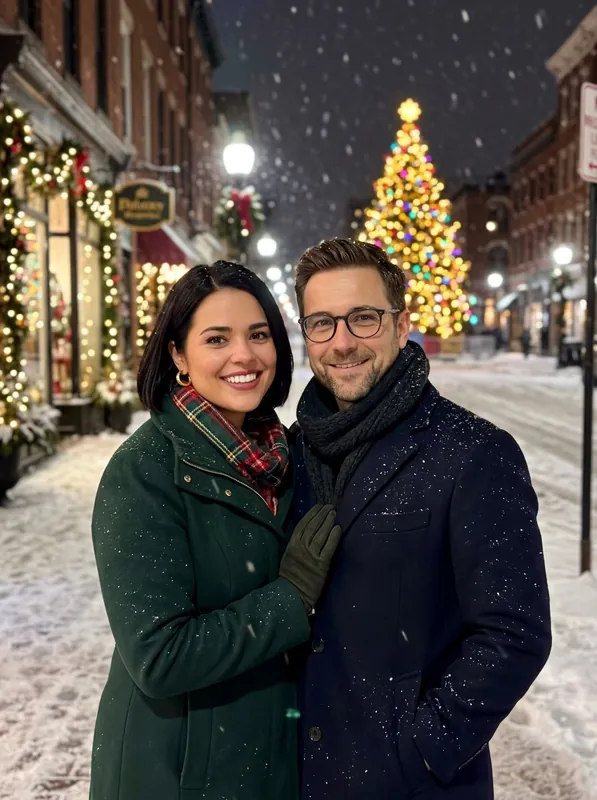
Snowy street
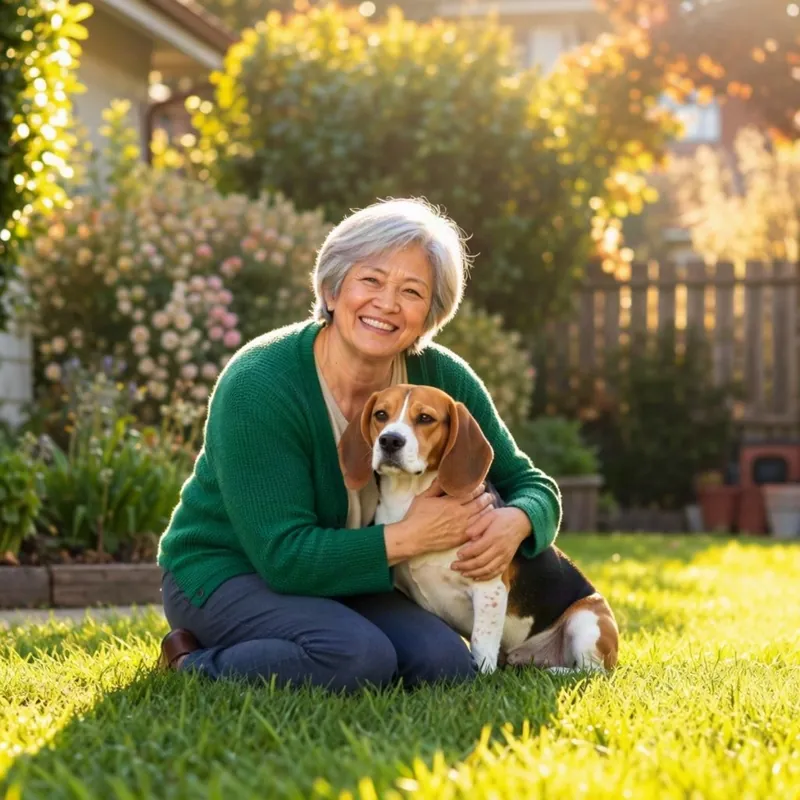
Original 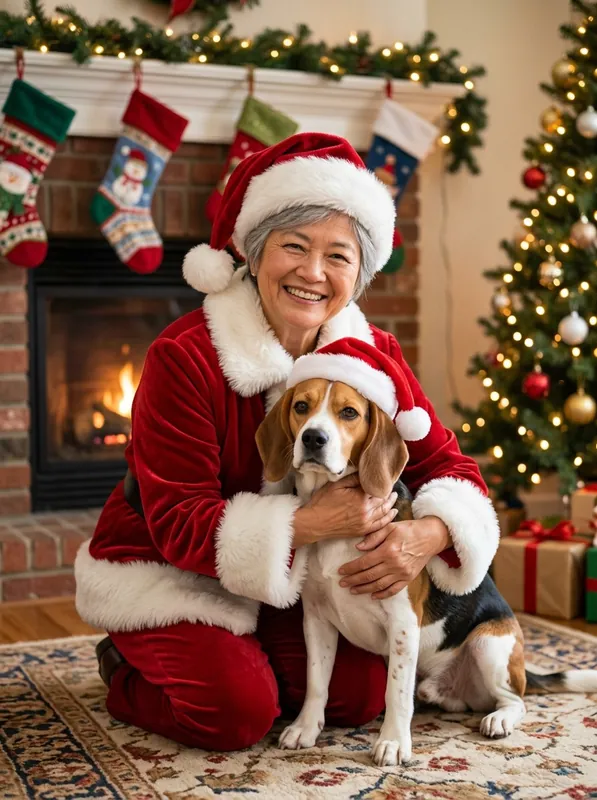
Santa suit
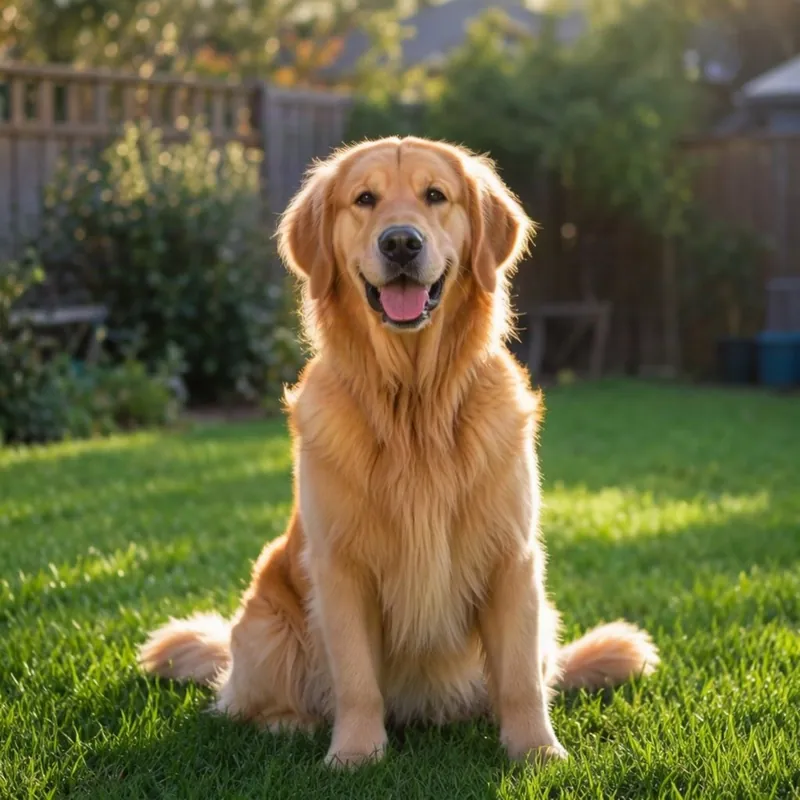
Original 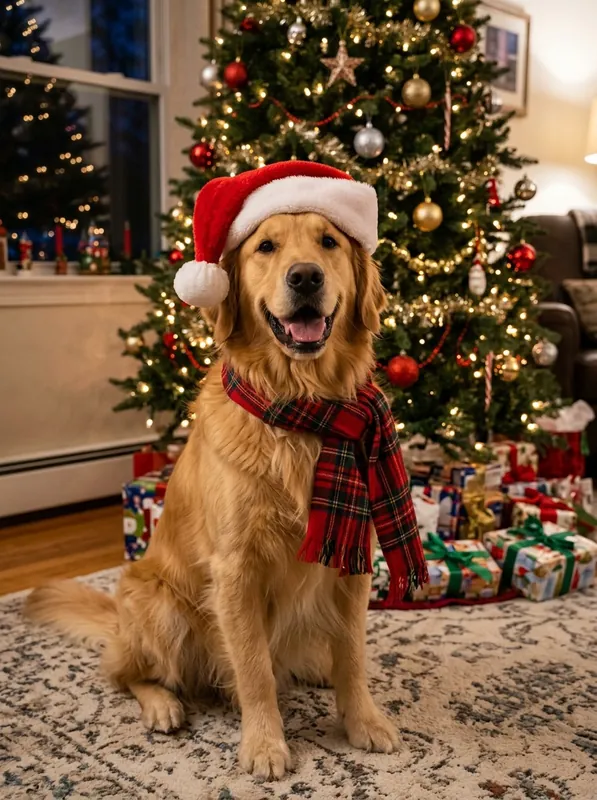
Pets
Original 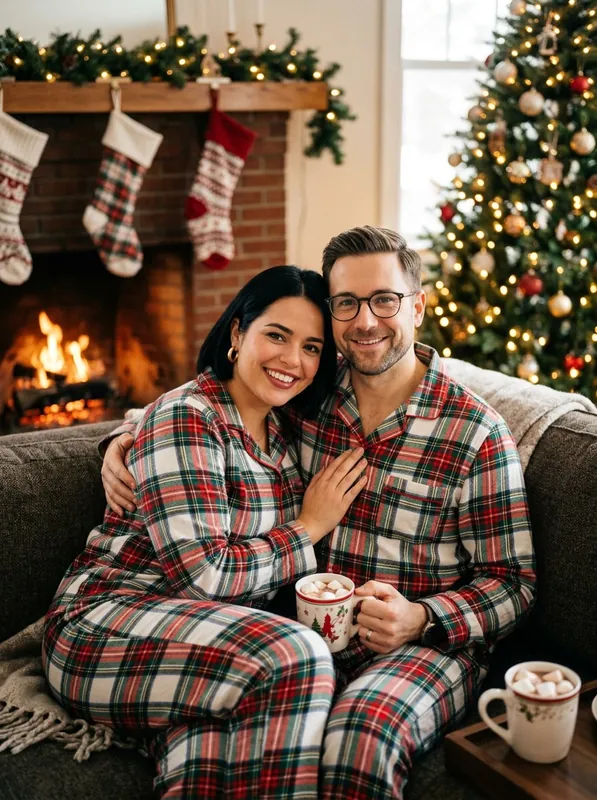
Cozy fireplace
Original 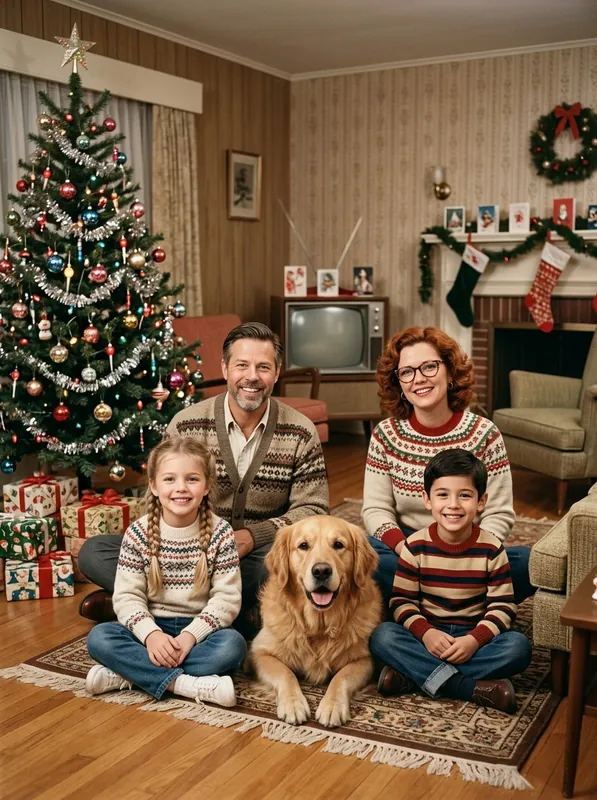
Vintage film
Original 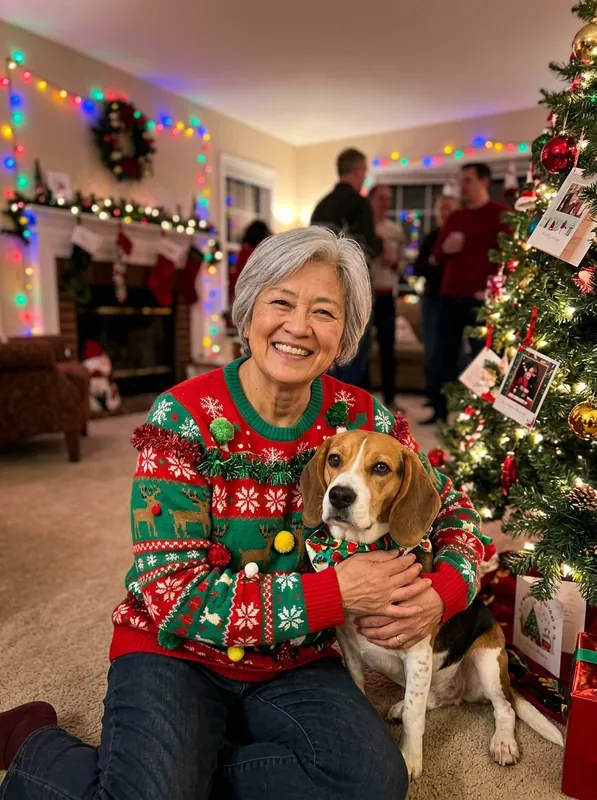
Ugly sweater
Original 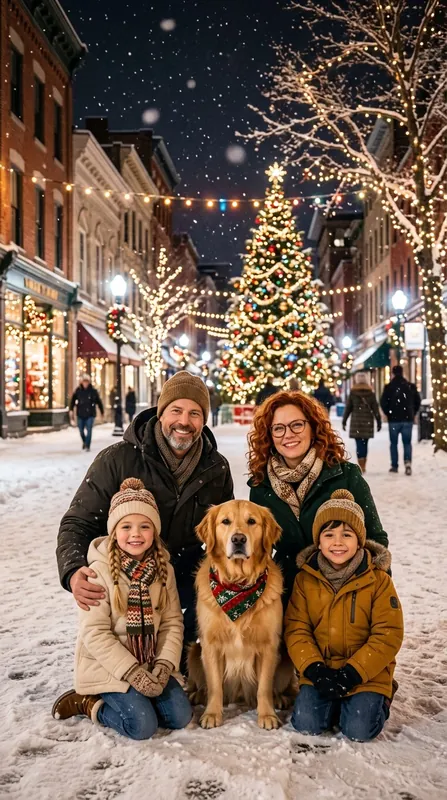
Snowy street9:16
How it works
Pick a scene
By the tree, a snowy street, a Santa suit, or a scene you describe.
Add one photo
A family snap, a couple, a pet. Faces clear and not too small.
Download and share
About 20 seconds later. Make another scene, or turn it into a card.
Photos that work best
- Use one clear photo where every face is visible and not too small.
- Daylight or a bright room works better than a dark party shot.
- For a group, a photo from the waist up keeps the faces large.
- Choose 9:16 for Stories and TikTok, 3:4 for prints and posts, 1:1 for profile pictures.
Questions
How are people making the viral AI Christmas photos?
The trend started with Google's Gemini app: people upload a selfie and ask for a festive scene in a long prompt. Here you pick a scene and add one photo instead; the full prompt is one click away if you want to change it.
Will it look like me?
The prompt asks for every face, hairstyle, pair of glasses and expression to stay as it is, and it usually does. Use a clear photo where faces are not tiny. If a face drifts, generate again.
Can I use a family photo or my pet?
Yes. One photo can hold the whole family, a couple or a pet. Pick Pets to put a Santa hat and a plaid scarf on your dog or cat.
Is it free?
New accounts get 3 free credits, enough for three standard photos. A standard photo costs 1 credit and HD costs 2. Photos made with free credits carry a small watermark; buying any credit pack removes it.
What happens to my photo?
Your photo is shrunk in your browser and sent once to make your picture; we don't save it. To make it, it passes through our image service and the company that makes the model. The finished photo is saved to your account like any image, and you can delete it.
Can I print it or make it a card?
Yes. Choose HD for printing; 3:4 prints well at 6 × 8 inches. To add a greeting, use the AI Christmas card generator with the same photo.