AI Business Flyer Generator
Add your business name and offer, pick a style, and get a promo flyer with your prices and dates exactly as you typed them.
See the prompt
This is what gets sent to the image model. Edit it if you like.
Example flyer. Fill in your details to make your own.
Business flyers made with it
Every flyer below was made with the form above and not edited afterwards. Pick one to start from its details.
See its details
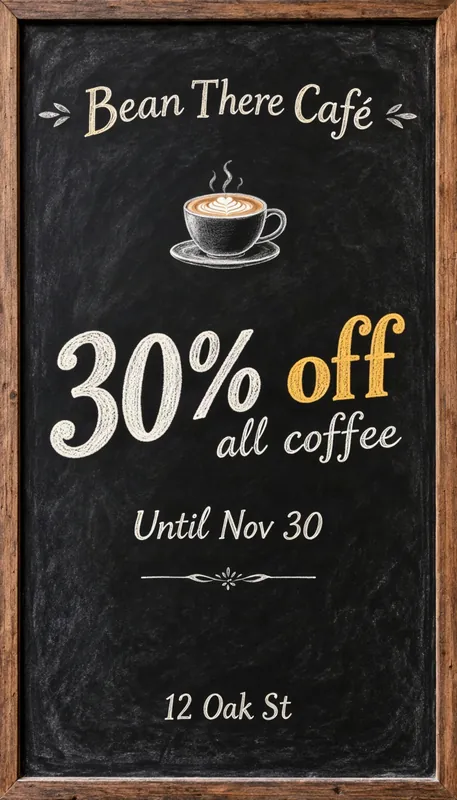
- Business or brand:
- Bean There Café
- Main message:
- 30% off all coffee
- Valid until:
- Until Nov 30
- Address or website:
- 12 Oak St
- Style:
- Chalkboard
See its details
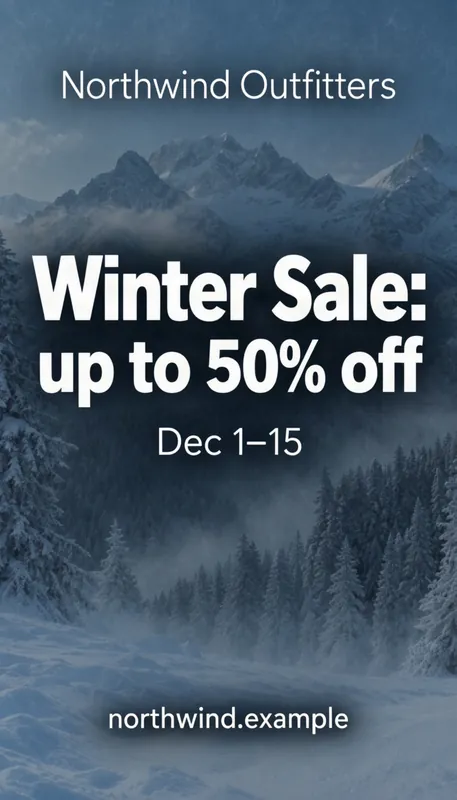
- Business or brand:
- Northwind Outfitters
- Main message:
- Winter Sale: up to 50% off
- Valid until:
- Dec 1–15
- Address or website:
- northwind.example
- Style:
- Bold sale
See its details
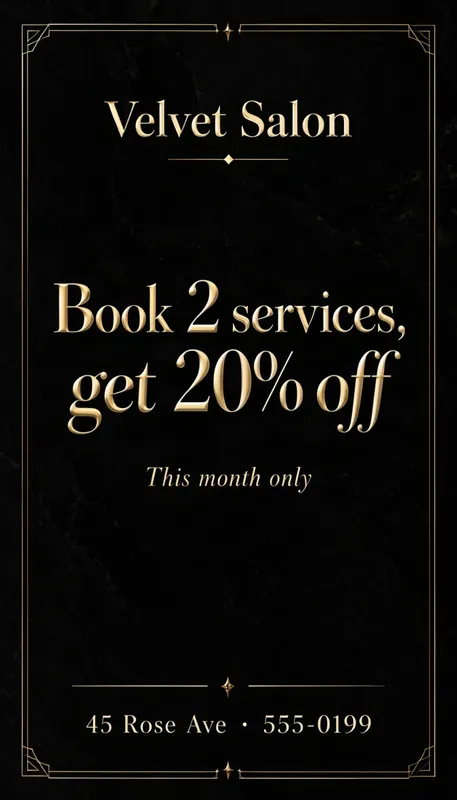
- Business or brand:
- Velvet Salon
- Main message:
- Book 2 services, get 20% off
- Valid until:
- This month only
- Address or website:
- 45 Rose Ave · 555-0199
- Style:
- Luxury
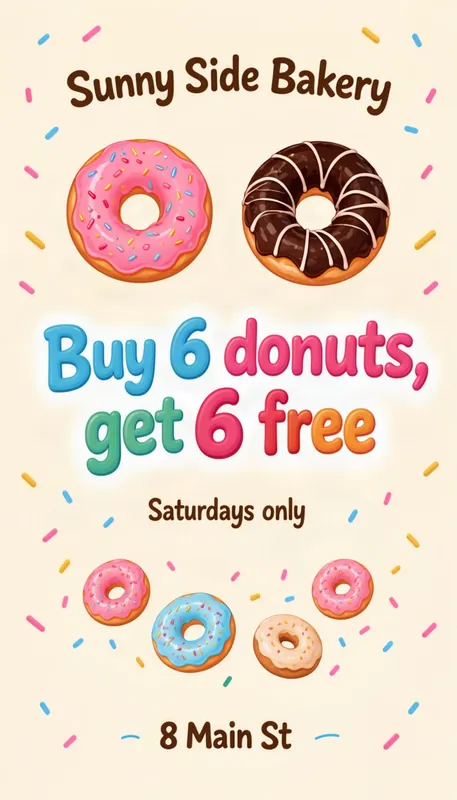
See its details
- Business or brand:
- Sunny Side Bakery
- Main message:
- Buy 6 donuts, get 6 free
- Valid until:
- Saturdays only
- Address or website:
- 8 Main St
- Style:
- Playful
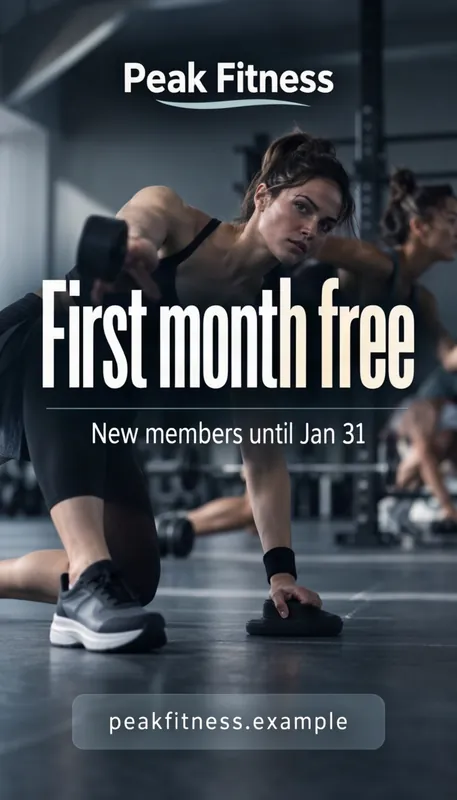
See its details
- Business or brand:
- Peak Fitness
- Main message:
- First month free
- Valid until:
- New members until Jan 31
- Address or website:
- peakfitness.example
- Style:
- Clean
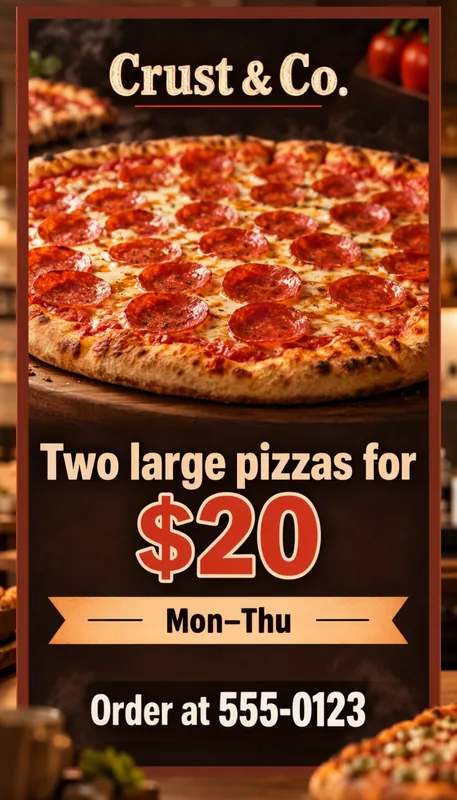
See its details
- Business or brand:
- Crust & Co.
- Main message:
- Two large pizzas for $20
- Valid until:
- Mon–Thu
- Address or website:
- Order at 555-0123
- Style:
- Bold sale
How to make a business flyer with AI
1
Fill in your offer
Add your business name and the main message, like a discount. Add an end date and your address or website if you like.
2
Pick a style
Clean, bold sale, chalkboard, luxury or playful, or describe your own look.
3
Generate and download
Your flyer is ready in about half a minute. Check the text, then download it or try again.
Tips for a business flyer that sells
- Put the offer first. “30% off all coffee” should be the biggest thing on the flyer; the business name can sit above it.
- Be specific with numbers. “Buy 6 donuts, get 6 free” or “Two large pizzas for $20” is easier to act on than “great deals”.
- Add a deadline. “Until Nov 30” or “This month only” gives people a reason to come now.
- Tell people where to find you: a street address for a shop, a short web address for online, or a phone number for orders.
- Check every price and date before you print. The model is good at short text but can still slip on a digit, so generate again if anything is off.
Business flyer questions
Is the AI business flyer generator free?
Yes, to start. New accounts get 1 free credit, which makes one standard flyer. After that, credits come in one-time packs with no subscription; a standard flyer costs 1 credit and an HD flyer 2.
Do the flyers have a watermark?
Flyers made with the free credit carry a small watermark. Buying any credit pack removes it from your past and future images.
Will the text on my flyer be spelled right?
Usually. Your words go to the model exactly as you typed them, and MOSS-Image is good at short text, but it can still get a letter or a number wrong, especially in long or very small lines. Check names, dates and prices before you share or print, and generate again if something is off.
Can I print the flyer?
Yes. A standard 9:16 flyer is 768 × 1344 pixels: sharp on a phone screen, and in print up to about 2.5 × 4.5 in (6 × 11 cm). An HD flyer is 1088 × 1920 pixels and prints sharply at postcard size (4 × 6 in, 10 × 15 cm). For anything bigger, pick HD and keep the text large.
Can I move the text around?
Yes. Open the result in the layout editor, drag the box for each line of text where you want it, and regenerate. The picture stays close to the first one, but other details can change.