AI Event Flyer Generator
Add your event's name, date and venue, pick a style, and get a clean flyer with the details exactly as you typed them.
See the prompt
This is what gets sent to the image model. Edit it if you like.
Example flyer. Fill in your details to make your own.
Event flyers made with it
Every flyer below was made with the form above and not edited afterwards. Pick one to start from its details.
See its details
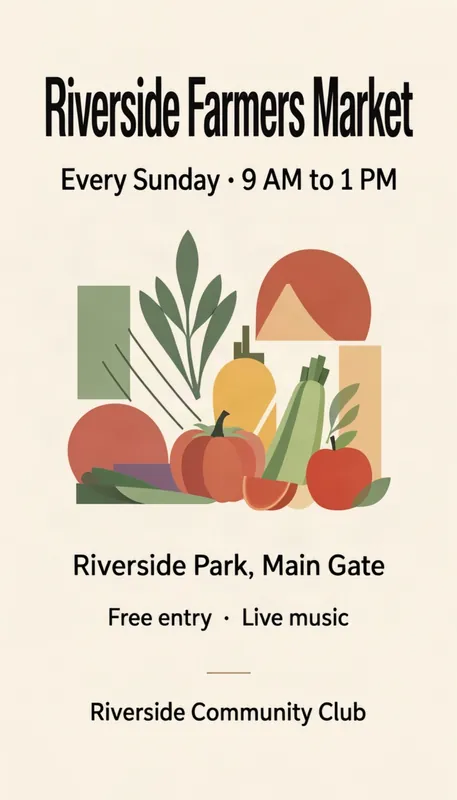
- Event name:
- Riverside Farmers Market
- Date and time:
- Every Sunday · 9 AM to 1 PM
- Venue:
- Riverside Park, Main Gate
- Hosted by:
- Riverside Community Club
- One more line:
- Free entry · Live music
- Style:
- Modern
See its details
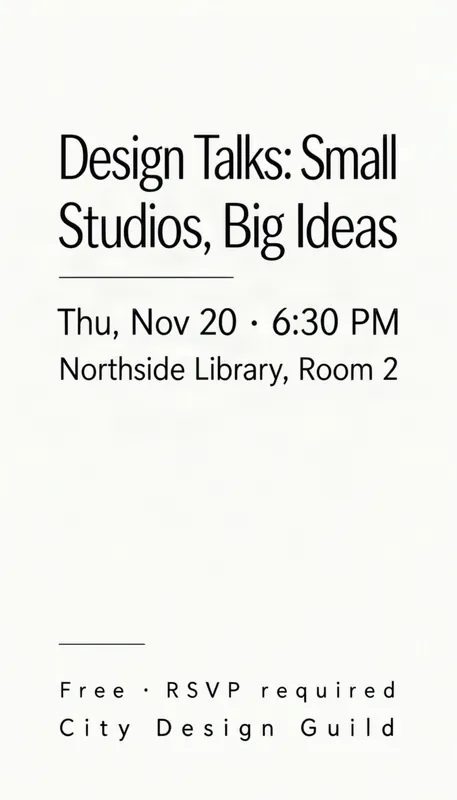
- Event name:
- Design Talks: Small Studios, Big Ideas
- Date and time:
- Thu, Nov 20 · 6:30 PM
- Venue:
- Northside Library, Room 2
- Hosted by:
- City Design Guild
- One more line:
- Free · RSVP required
- Style:
- Minimal
See its details
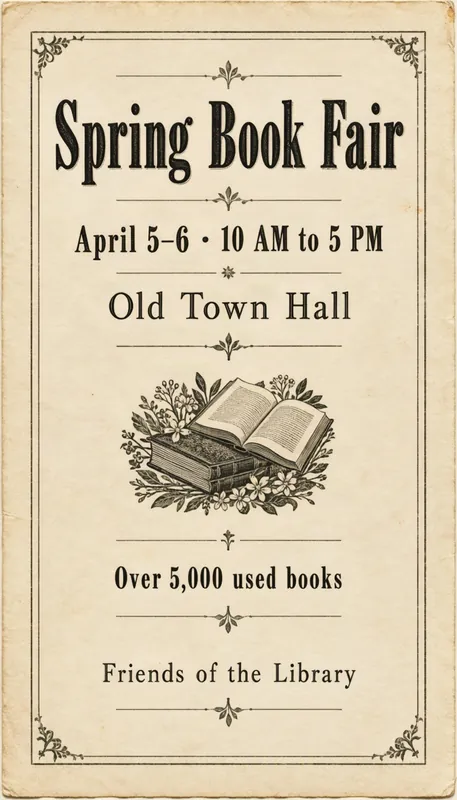
- Event name:
- Spring Book Fair
- Date and time:
- April 5–6 · 10 AM to 5 PM
- Venue:
- Old Town Hall
- Hosted by:
- Friends of the Library
- One more line:
- Over 5,000 used books
- Style:
- Vintage
See its details
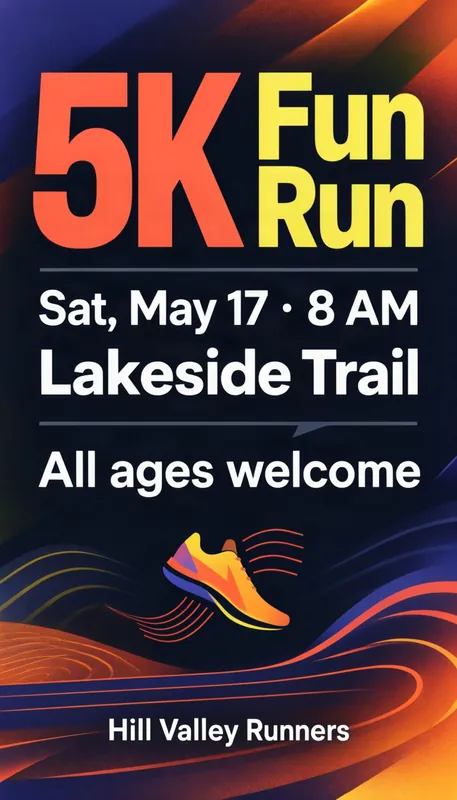
- Event name:
- 5K Fun Run
- Date and time:
- Sat, May 17 · 8 AM
- Venue:
- Lakeside Trail
- Hosted by:
- Hill Valley Runners
- One more line:
- All ages welcome
- Style:
- Bold type
See its details
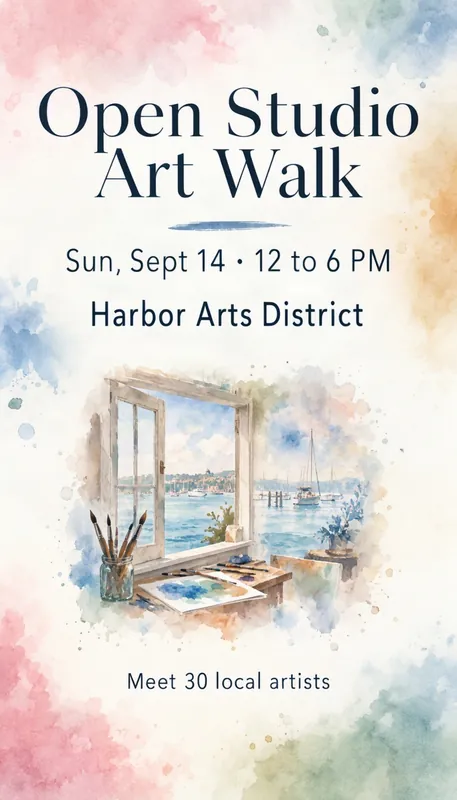
- Event name:
- Open Studio Art Walk
- Date and time:
- Sun, Sept 14 · 12 to 6 PM
- Venue:
- Harbor Arts District
- One more line:
- Meet 30 local artists
- Style:
- Watercolor
See its details
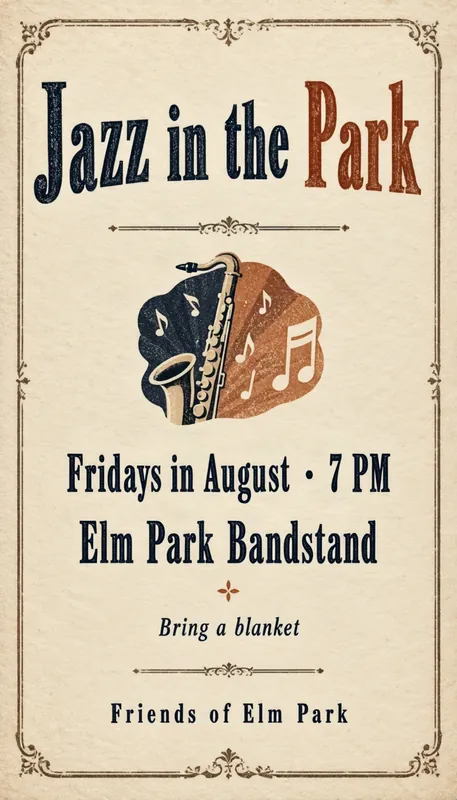
- Event name:
- Jazz in the Park
- Date and time:
- Fridays in August · 7 PM
- Venue:
- Elm Park Bandstand
- Hosted by:
- Friends of Elm Park
- One more line:
- Bring a blanket
- Style:
- Vintage
How to make an event flyer with AI
1
Fill in the event
Give it a name, a date and time, and a venue. Add the host and one more line if you like.
2
Pick a style
Modern, minimal, vintage, bold type or watercolor, or describe your own look.
3
Generate and download
Your flyer is ready in about half a minute. Check the text, then download it or try again.
Tips for an event flyer that fills seats
- Make the name say what it is. “Spring Book Fair” or “5K Fun Run” tells people in two words whether it is for them.
- Give the full when: day, date and time, and the end time for markets and fairs. Recurring events can say “Every Sunday · 9 AM to 1 PM”.
- Name the venue the way locals know it, like “Old Town Hall” or “Riverside Park, Main Gate”, so nobody has to look it up.
- Credit the host. A club, library or school name builds trust and helps people find more information.
- Use the extra line for what makes people come: “Free entry”, “All ages welcome” or “Over 5,000 used books”. Short lines come out cleanest.
Event flyer questions
Is the AI event flyer generator free?
Yes, to start. New accounts get 1 free credit, which makes one standard flyer. After that, credits come in one-time packs with no subscription; a standard flyer costs 1 credit and an HD flyer 2.
Do the flyers have a watermark?
Flyers made with the free credit carry a small watermark. Buying any credit pack removes it from your past and future images.
Will the text on my flyer be spelled right?
Usually. Your words go to the model exactly as you typed them, and MOSS-Image is good at short text, but it can still get a letter or a number wrong, especially in long or very small lines. Check names, dates and prices before you share or print, and generate again if something is off.
Can I print the flyer?
Yes. A standard 9:16 flyer is 768 × 1344 pixels: sharp on a phone screen, and in print up to about 2.5 × 4.5 in (6 × 11 cm). An HD flyer is 1088 × 1920 pixels and prints sharply at postcard size (4 × 6 in, 10 × 15 cm). For anything bigger, pick HD and keep the text large.
Can I move the text around?
Yes. Open the result in the layout editor, drag the box for each line of text where you want it, and regenerate. The picture stays close to the first one, but other details can change.